TS Online Zero
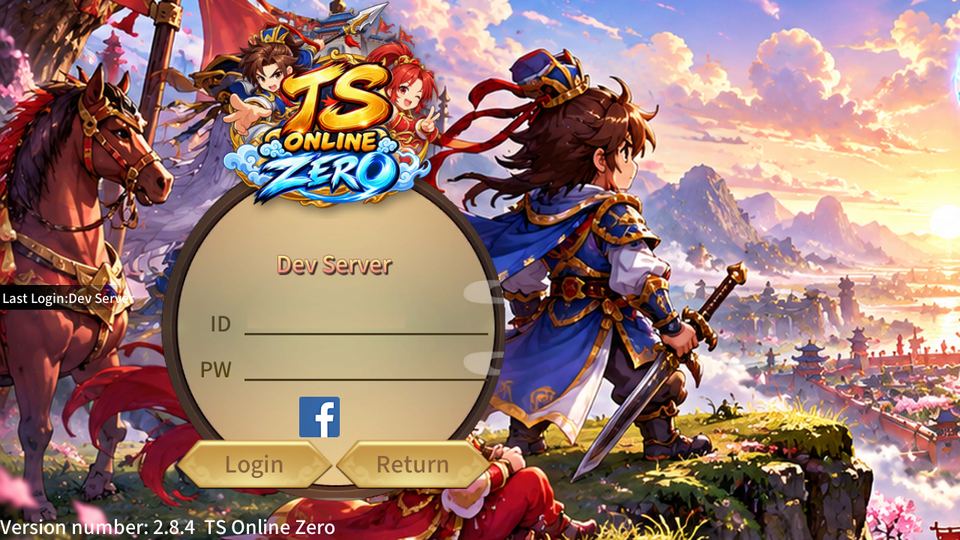
TS Online Zero heroes looking over a city in the valley of blossoms

The classic Three Kingdoms adventure, reborn.

Recruit legendary warlords, fight turn-based battles with friends and build your legion. Everything you loved about the original, now with an HD look and new features.

App 2.7 · game data 2.8 Released 12 Oct 2026 Size 90.1 MB What's new

Android 8 or newer · free to play · online 24/7 · testing period: progress may be reset

Classic

The game you remember

Turn-based battles, four elements, warlords that fight at your side, team dungeons and the quests from the original story.

HD

A fresh coat of paint

Sharper HD character sprites, a rounded new font, English text and new loading and login screens.

New

New things to do

Season Pass, Zero Points shop, arenas, Battle Island, World Boss, Legion battles, Seven-Star Lamp, warlord enhancing and rebirth up to Elite.

Screenshots

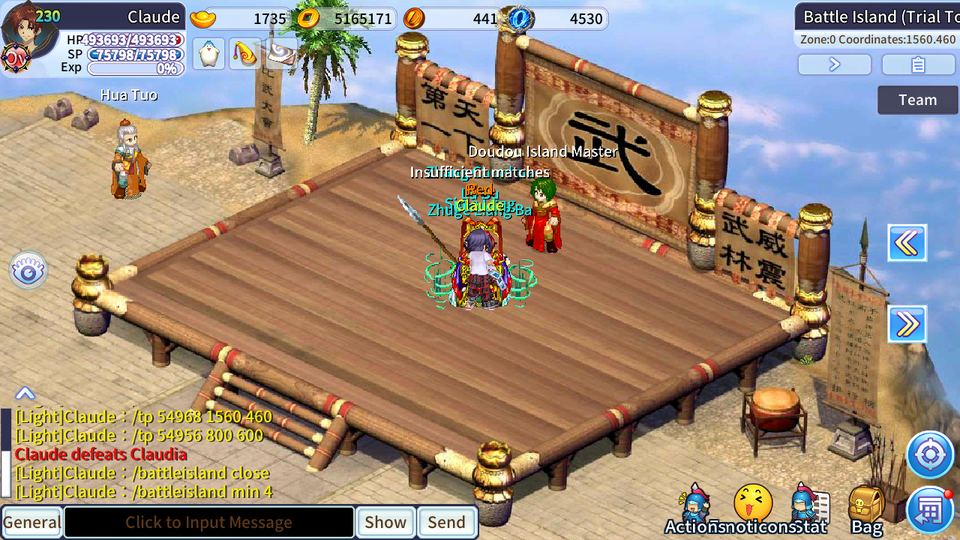
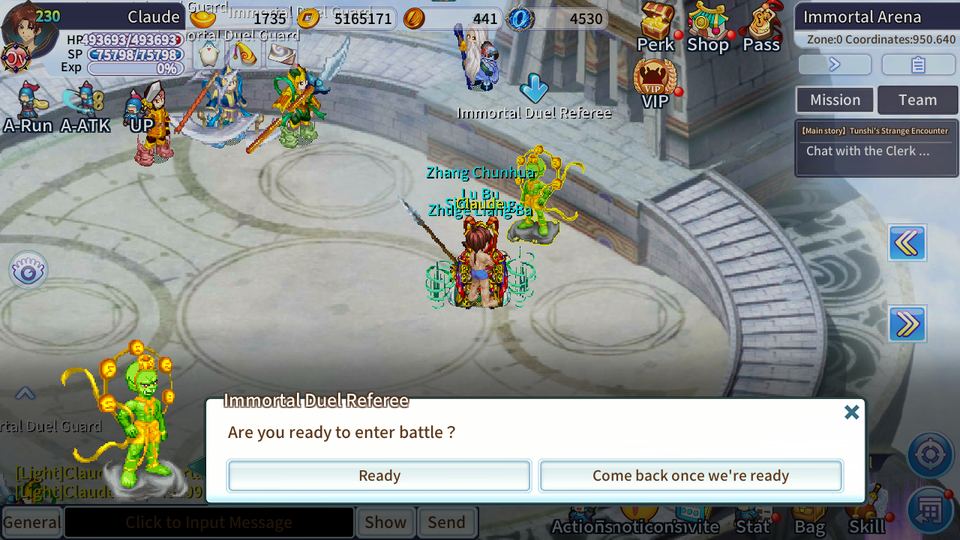
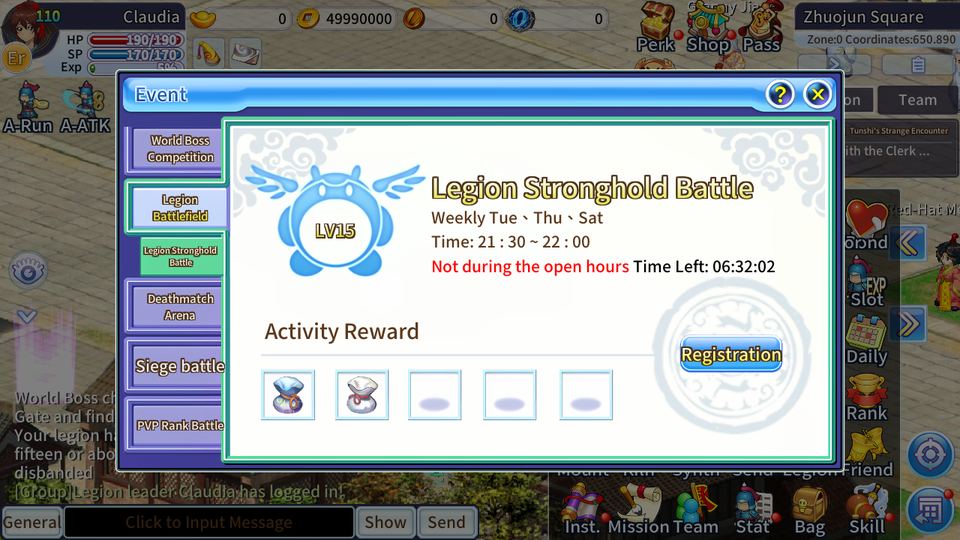
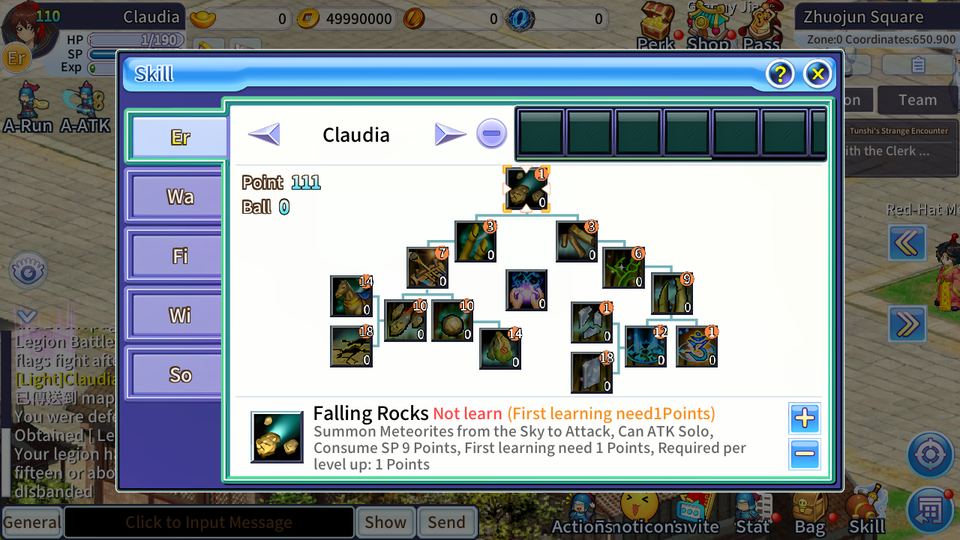
Real in-game screenshots from our test phones.

News

We moved to our own 24/7 server

TS Online Zero now runs on its own server, online day and night. No more waiting for someone's PC to be switched on, and no more Tailscale.

To join, install the new app from the download button over your old one. On the first start the game downloads a small update.

We're in a testing period: characters and progress may be reset before the official launch.

How to install

  1. Create your account on our account page: choose an account ID and password, enter your email and click the confirmation link we send you. Already have an account? Skip this step.
  2. Download the app on your Android phone with the Play now button. It's an APK file of about 90 MB.
  3. Open the downloaded file. Android asks you to allow your browser or file app to install unknown apps. That's normal for any app that doesn't come from the Play Store (see the FAQ). Allow it, then tap Install.
  4. Already have the old app? Just install over it; there's no need to uninstall first.
  5. Start TS Online Zero and tap OK when it offers an update. Use Wi-Fi the first time, because the first update can be large.
  6. Log in with the account ID and password you created, and play!

You no longer need Tailscale. You can switch it off or uninstall it.

Game guide

All times are server time (UTC+8).

Season Pass

Each season has 50 levels with rewards. Complete the 6 daily missions to level up your pass. Open it from the Pass button at the top.

Zero Points

Zero Points are TS Online Zero's own currency. Spend them in the Zero Points shop on ingots and useful items.

Legion

Join or found a legion with friends: daily sign-in, donations, the Legion Boss, the Legion shop and the Legion Stronghold Battle.

Challenge Arena

Fight a series of arena challengers on your own (you may bring 4 warlords), level 15 and up. Open Monday, Wednesday and Friday, 19:00 to 21:00 at the arena in Luoyang.

Brawl Arena

Player-versus-player battles in the arena, matched by the server. Open Sunday, 20:00 to 22:00.

Battle Island

A last-player-standing battle across a maze of islands. Open daily 12:00 to 13:00 and 19:00 to 20:00 (not Saturday evening).

World Boss

Every day from 08:00 to 23:00 a different elemental boss appears. Talk to the Boss Challenger: 5 tries a day, and the top damage dealers get rewards by mail.

Redeem codes

Got a code from an event or from us? Open Perk → Item Code and enter it to receive the reward.

Grow stronger

Enhance your warlords, light the Seven-Star Lamp, inlay pearls, complete warlord bonds and go through 1st, 2nd and Elite rebirth.

Offline EXP

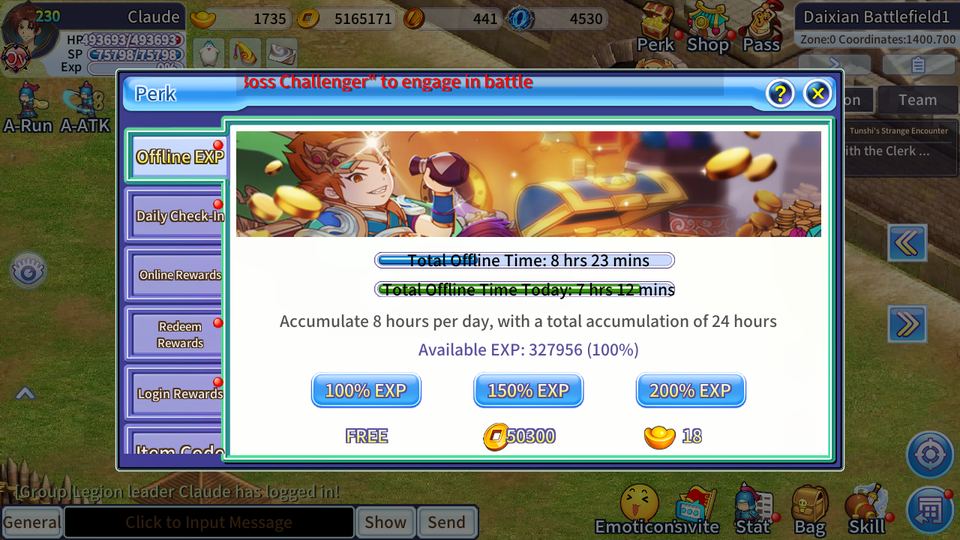
You keep earning experience while offline: up to 8 hours a day, 24 hours in total. Claim it from Perk → Offline EXP.

Community & support

Server status

Checking…

Updated every minute.

Join our Discord

Announcements, help and bug reports. Free; you only need a Discord account.

Found a bug?

Report it in #bug-reports on our Discord and include:

  • your account name and character name
  • the date and time it happened
  • what you did and what went wrong (for example: the login failed, you were disconnected, a quest didn't continue)
  • a screenshot if you can

Never share your password with anyone, including us.

Changelog

2.8.4 · 12 October 2026

  • Moved to our own 24/7 server; Tailscale is no longer needed.
  • New app download from this website (install over the old app).
  • New Terms of Service and Privacy text, with a shorter "I agree" checkbox.

2.7.9 · 12 October 2026

  • English text on the update screen before the game starts.

2.7.8 · 12 October 2026

  • HD sprites for all player characters (male and female).
  • New TS Online Zero login screen, loading screen and app icon.

2.6.6 · 11 October 2026

  • New rounded, easier-to-read game font.

Server updates · 7–11 October 2026

  • Team dungeons and Hundred Battles.
  • Legion features: Legion Boss, emblem, donations and sign-in.
  • World Boss, VIP levels, Seven-Star Lamp, warlord enhancing and warlord bonds.
  • 1st, 2nd and Elite rebirth.
  • Player trading, profile page and pearl inlay.

FAQ

Is TS Online Zero free?

Yes. The game is free to play.

Will my character be kept?

We're in a testing period: characters and progress may be reset before the official launch.

How do I get an account?

Create one on our account page and confirm your email. Accounts can't be created inside the game. If you forget your password, use "Forgot password" on the same page.

Which phones are supported?

Android 8.0 or newer. There is no iPhone version.

Why does my phone warn me about this app?

The game is installed from a file (APK) instead of from the Google Play Store. Android shows a warning for every app from outside the Play Store, because it can't check those apps itself. The warning doesn't mean a problem was found in this app.

To stay safe:

  • Only download the app from tsonlinezero.com. Never install copies that someone sends you through other channels.
  • If Play Protect reports an actual threat (not just "unknown app"), don't install, and tell us.
Do I need to uninstall the old app first?

No. Install the new app over the old one; it updates in place.

The update is stuck or the game says it can't connect.

Check the server status and your internet connection, close the game completely and open it again. If it keeps happening, report it on Discord as described under Community & support.